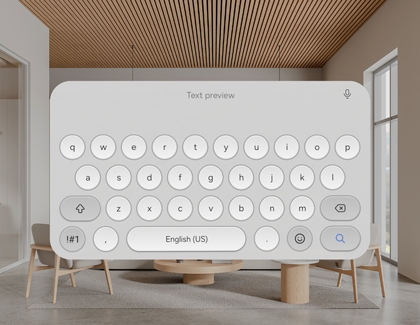
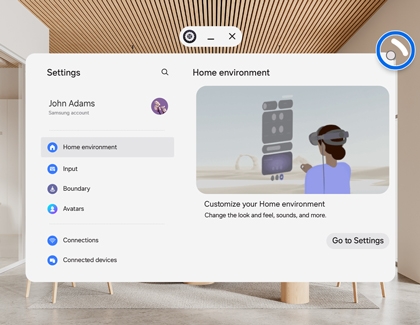
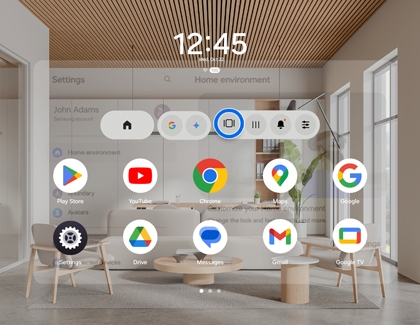
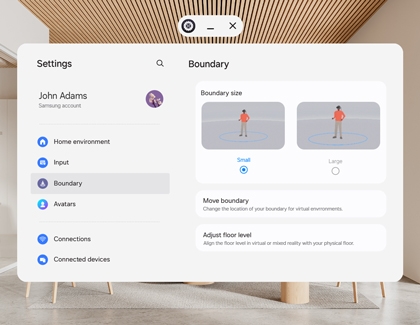
Samsung Galaxy XR headset navigation
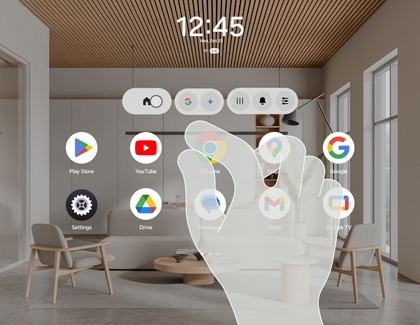
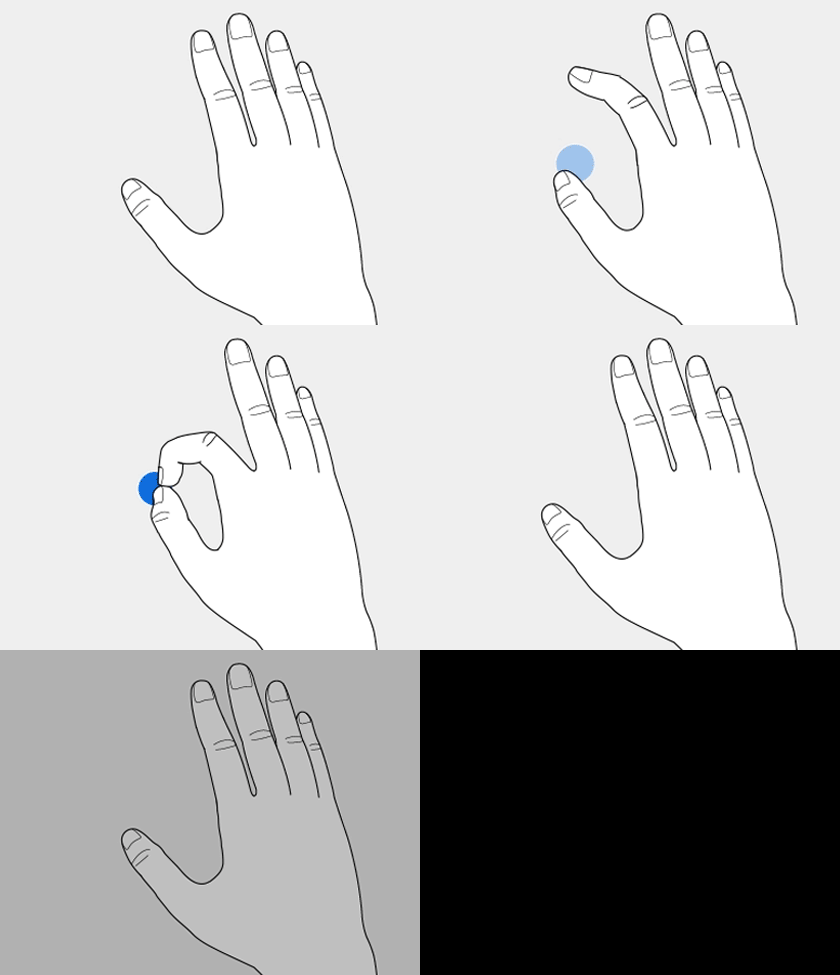
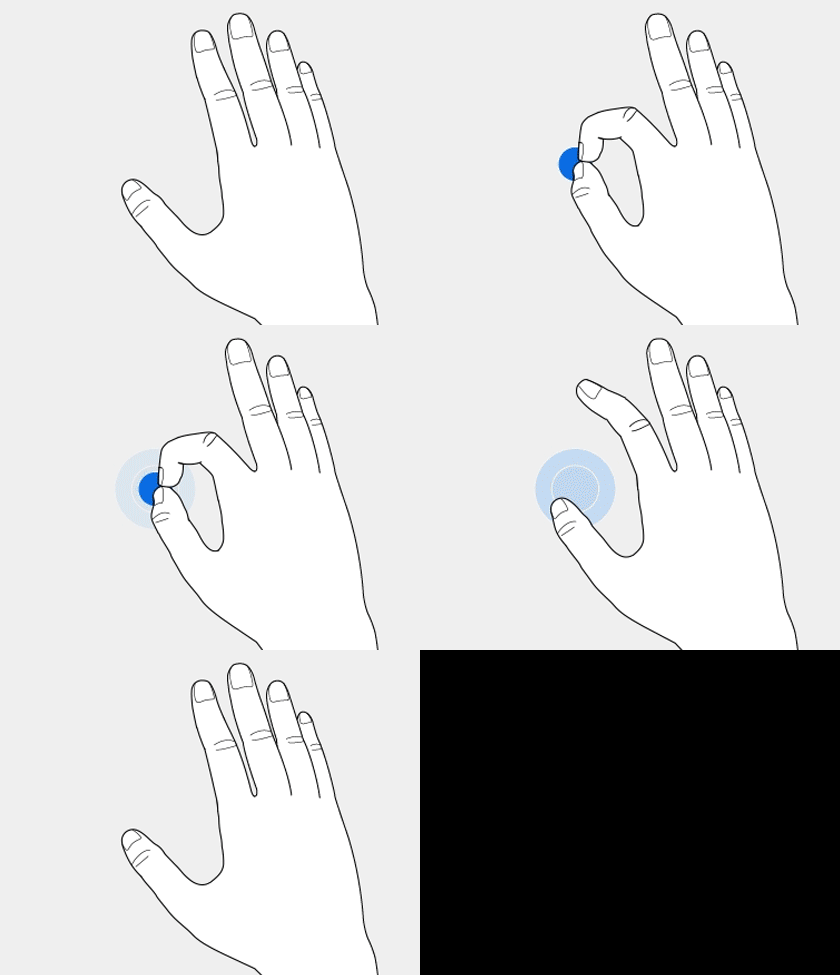
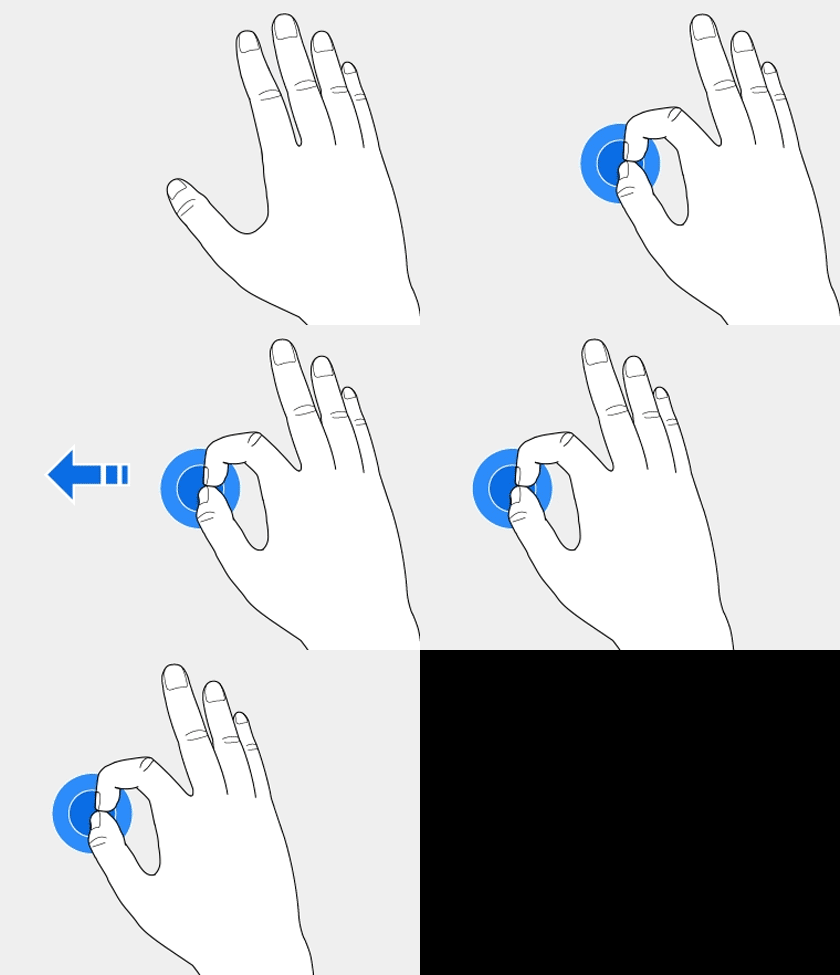
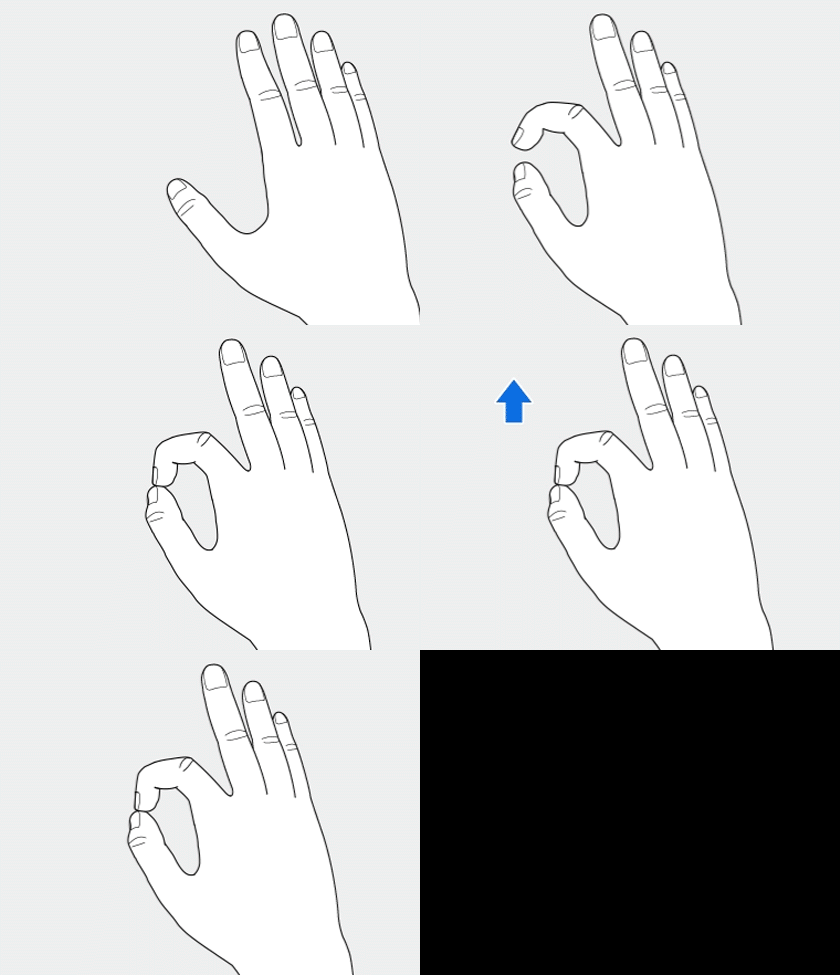
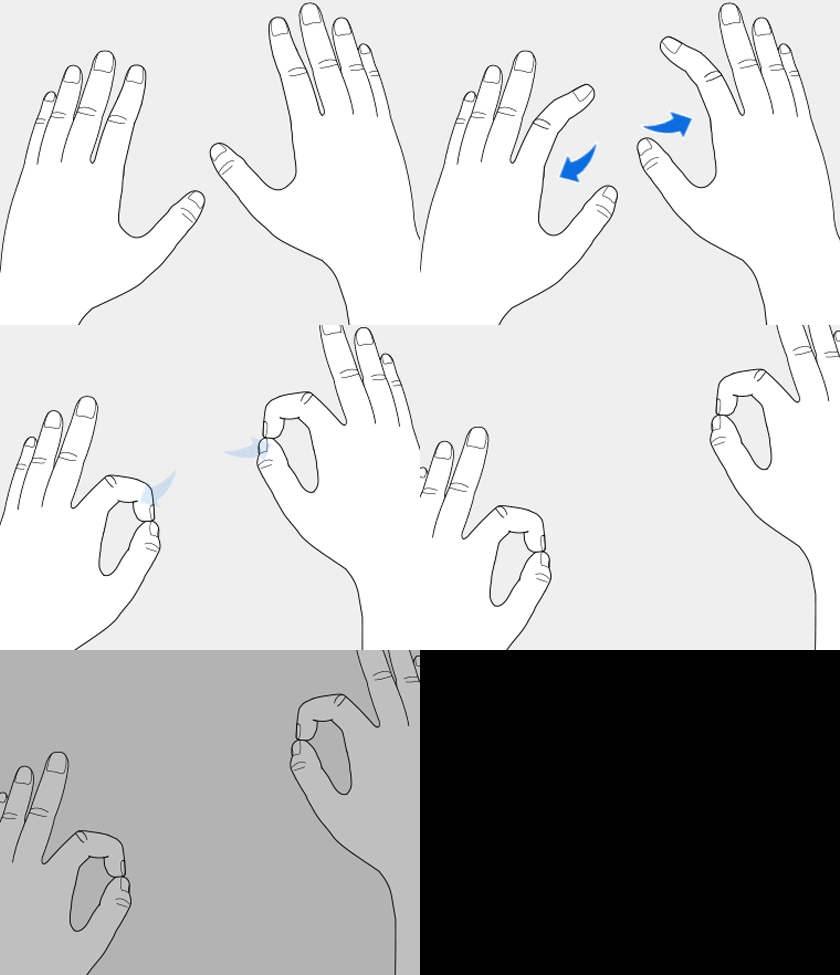
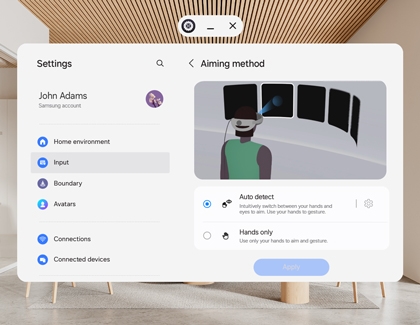
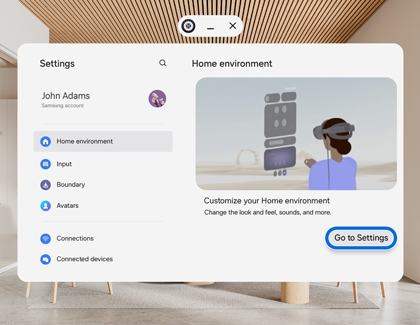
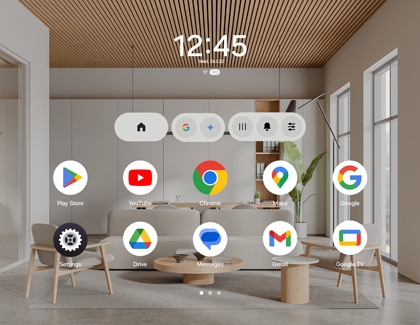
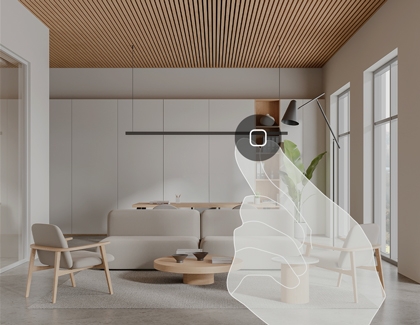
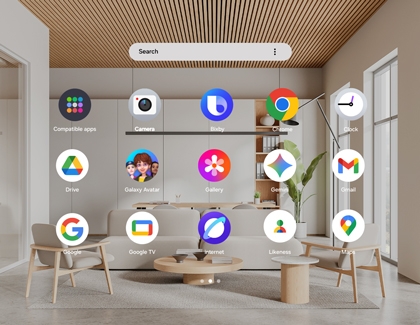
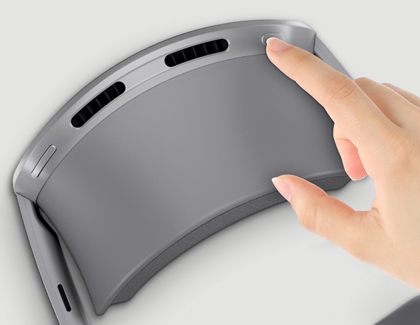
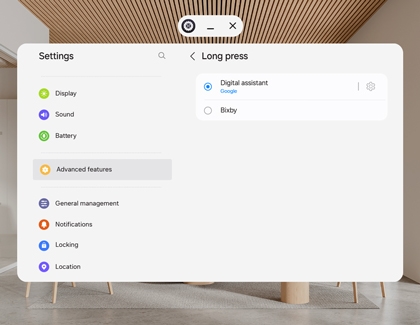
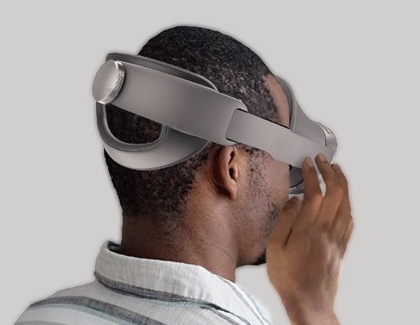
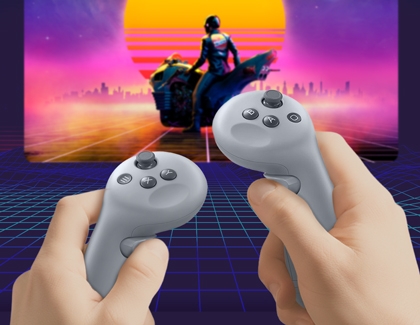
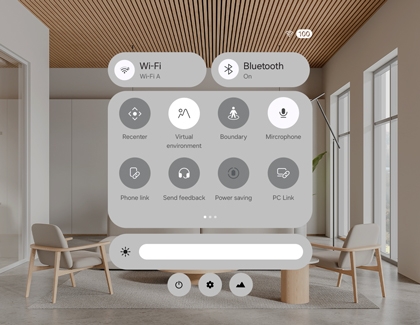
Navigate the Samsung Galaxy XR headset with ease using this comprehensive guide. From switching environments and using gestures to accessing the Launcher and adjusting settings, this article covers everything you need to know for a seamless and immersive experience.
Samsung Galaxy XR headset navigation
For further assistance with your Galaxy XR headset, visit the support center.
Recommended Articles
Galaxy XR gestures: Hand and eye tracking
Galaxy XR gestures: Hand and eye tracking Galaxy XR tracking combines gesture and eye tracking for immersive, intuitive experiences. Gesture tracking enables seamless interaction through hand movements, while eye tracking offers gaze-based control. Perfect for gaming, work, and creativity, these features enhance responsiveness and personalization.
Samsung Galaxy XR headset setup
Samsung Galaxy XR headset setup Setting up your Samsung Galaxy XR headset unlocks a world of immersive experiences, from augmented reality (AR) to virtual reality (VR). This guide provides clear, step-by-step instructions to help you configure the headset for seamless operation. Whether you're a beginner or an experienced user, these tips ensure yo
Pair XR Controllers with your Samsung Galaxy XR headset
Pair XR Controllers with your Samsung Galaxy XR headset Galaxy XR controllers are essential for interacting with content in mixed reality and virtual reality using your Samsung Galaxy XR headset. They allow you to navigate, select items, and engage with immersive experiences effortlessly. This guide covers how to pair your XR controllers for second
We're here for you
Contact Samsung Support
Contact us online through chat and get support from an expert on your computer, mobile device or tablet. Support is also available on your mobile device through the Samsung Members App.




