Galaxy phone or tablet Smart View or Screen Mirror issues
Smart View can be used with Galaxy phones and tablets running Android 4.3 or above and with devices that support Miracast wireless display technology. This technology is built into most newer Samsung smart TVs. However, your phone or tablet must be connected to the same network as your TV in order to use this function. If Smart View is not working, restarting or rebooting your device will usually solve the issue. Keep in mind that DRM-protected contents cannot be mirrored.
Galaxy phone or tablet Smart View or Screen Mirror issues
Recommended Articles
Samsung phone has poor signal and cannot use data or make calls
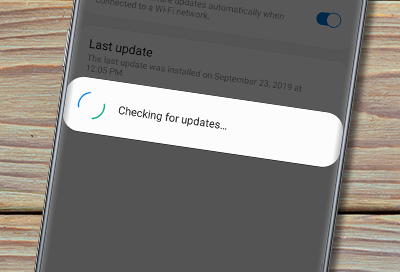
If your Galaxy phone is experiencing low signal, or even no signal at all, you may be unable to connect to the internet, and it's ability make or receive phone calls may be limited.
A Screen Overlay error appears on Samsung phone or tablet
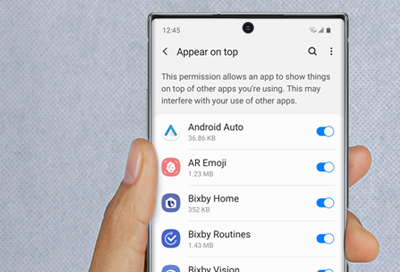
Screen Overlay is a function that allows apps to appear on the top of other apps. For example, some messaging apps may cause a chat bubble to appear in front of an open app, such as a browser.
Galaxy phone or tablet's GPS signal is lost
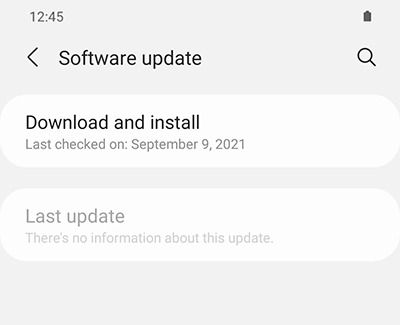
There are several reasons why a phone or tablet's GPS signal may not work properly, such as a communication failure with the satellite. Other times, it could be because your location is disabled or because you are not using the best location method. You can try enabling your location or updating your phone or tablet.
We're here for you
Contact Samsung Support
Contact us online through chat and get support from an expert on your computer, mobile device or tablet. Support is also available on your mobile device through the Samsung Members App.